
Favicon Disappeared from Google Search? Google Fix Explained
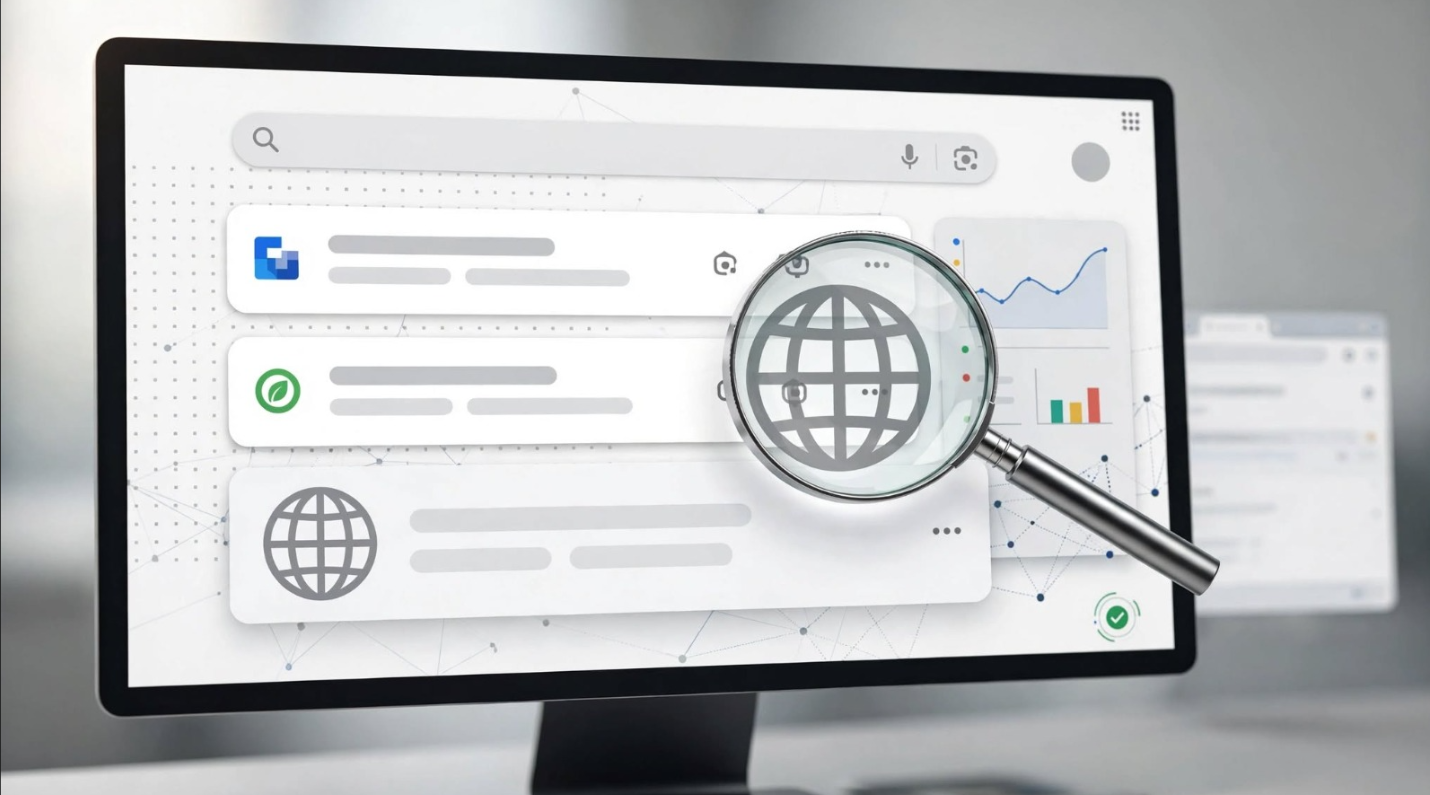
A favicon disappeared from Google Search issue recently caught the attention of site owners and SEO professionals. Websites that had displayed their branded favicon correctly in Google’s organic search results suddenly started showing Google’s generic globe icon instead.
At first glance, this looks like a technical SEO problem. A site owner might immediately check the favicon file, edit the HTML, change the image size, or request another crawl through Google Search Console.
But the latest information tells a different story.
Google has confirmed that the recent favicon display problem was an issue on its end and that its Search team was working on a fix. Reports also indicated that some affected favicons began returning while the issue was being investigated.
That distinction matters because not every unusual Google Search result means your website has a technical problem.
What Happened to Favicons in Google Search?
In August 2026, SEO professionals and website owners began reporting a noticeable increase in cases where Google Search stopped displaying the expected favicon.
Instead of the website’s branded icon, Google displayed a generic globe icon beside the result.
The reports were particularly interesting because some affected websites appeared to have correctly implemented their favicons.
Site owners reported checking common technical requirements, including:
- The favicon URL returned a successful HTTP response.
- The image was accessible.
- The favicon was square.
- The favicon was referenced from the site’s HTML.
- Robots.txt did not block access.
- The favicon continued to work normally in browsers.
- Some websites had previously displayed the correct favicon in Google Search.
Google’s Search team later confirmed that the problem was on Google’s side. Rajan Patel, Google’s VP of Engineering for Search, said the company had identified the issue and was working to address it.
This confirmation is important because it separates the recent widespread issue from individual cases where a website genuinely has a favicon implementation problem.
Why Did Google Show a Generic Globe Icon?
When Google cannot use the expected site favicon in a Search result, it may display a default icon instead.
The generic globe icon does not automatically mean that a website has broken code.
There are several possible reasons a favicon may not appear. These include genuine technical problems, delayed crawling, processing issues, or problems within Google’s own systems.
Google’s official documentation states that favicon display is not guaranteed even when a site follows all of its requirements. Google also explains that it needs to crawl both the favicon and the site’s home page to process the favicon for Search.
That means website owners need to distinguish between two situations:
Situation 1: Your favicon implementation is actually broken.
Situation 2: Your favicon is technically fine, but Google is temporarily failing to display it.
The recent August 2026 incident falls into the second category for the affected sites.
Favicon Disappeared from Google Search: Should You Change Your Website?
If your favicon disappeared from Google Search during this reported Google-side issue, making major website changes may not help.
In fact, unnecessary changes can make troubleshooting more difficult.
For example, imagine that your favicon has been working correctly for months. Suddenly, Google Search shows a globe icon.
You then:
- Replace the favicon.
- Change its URL.
- Modify the HTML.
- Change the image format.
- Add several new favicon files.
- Request repeated indexing.
- Clear browser caches.
- Change your CDN configuration.
If Google is experiencing a Search-side favicon problem, none of those changes necessarily addresses the real cause.
A better approach is to verify your implementation once, document what you find, and then monitor the Search results.
What Does Google Officially Require for a Search Favicon?
Before assuming that Google is responsible, check whether your favicon follows Google’s current guidelines.
Google recommends adding a favicon through a <link> element in the header of the site’s home page. The favicon URL can be relative or absolute, and Google supports valid favicon formats.
Google’s current requirements and recommendations include:
1. Use a Square Favicon
The favicon should have a 1:1 aspect ratio.
Google’s minimum requirement is 8×8 pixels, although Google recommends using a favicon larger than 48×48 pixels for better visual quality across different surfaces.
For practical purposes, a 48×48 or larger square favicon is a sensible choice.
2. Keep the Favicon Crawlable
Googlebot-Image must be able to crawl the favicon file.
Googlebot must also be able to crawl the site’s home page. Blocking either one can prevent Google from processing the favicon correctly.
Check your:
robots.txt- CDN rules
- firewall
- WAF
- bot protection
- authentication requirements
- server responses
A browser loading the favicon successfully does not always prove that Google’s crawlers can access it.
3. Keep the Favicon URL Stable
Google recommends keeping the favicon URL stable rather than changing it frequently.
For example, constantly changing:
/favicon-v1.png
to:
/favicon-v2.png
and then:
/new-favicon-final.png
can create unnecessary processing delays.
A stable favicon URL is generally the better approach.
4. Add the Favicon to the Home Page
Google uses the favicon information associated with the site’s home page.
A basic implementation can look like this:
<link rel="icon" href="/favicon.ico">Google supports several rel values for favicon-related use cases, but the standard rel="icon" implementation is straightforward for most websites.
5. Make the Favicon Brand-Appropriate
Your favicon should visually represent your website or brand.
Google also states that it may replace inappropriate favicons with a default icon.
How to Check If Your Favicon Has a Technical Problem
If your favicon disappeared from Google Search, don’t immediately redesign it.
Start with a simple technical audit.
Check the Favicon URL
Open the favicon URL directly in a browser and verify that it loads correctly.
Then check its HTTP response.
Ideally, you want a successful response rather than a:
- 404 error
- 403 response
- 5xx server error
- redirect chain
- authentication challenge
Also verify that the server sends an appropriate image content type.
Check the Image Dimensions
Make sure the favicon is square.
A 48×48, 64×64, 96×96, 128×128, or larger square icon can be appropriate, provided the file meets Google’s other requirements.
Remember that larger does not automatically mean better. The important point is that the image remains clear and representative at the small size used in Search.
Check Robots.txt
Make sure your robots.txt configuration does not prevent Google from accessing the favicon or home page.
Google specifically requires Googlebot-Image to be able to crawl the favicon and Googlebot to crawl the home page.
Check Security and CDN Rules
This step is easy to overlook.
A favicon may work perfectly in your browser while automated crawlers receive a different response.
Cloudflare, WAF rules, bot protection systems, rate limits, or security challenges can interfere with crawler access.
A July 2026 Google Search Central community case illustrates why this matters. In that case, the favicon itself appeared accessible, but a Cloudflare challenge affecting Googlebot access to the home page was identified as a possible cause.
So a missing favicon is not always a Google bug.
When Should You Wait Instead of Making Changes?
This is where the recent Google favicon issue provides a useful SEO lesson.
If your favicon:
- worked previously,
- still loads correctly,
- uses a stable URL,
- meets Google’s current requirements,
- remains crawlable,
- and multiple unrelated websites are experiencing the same Search behavior,
then you have a stronger reason to suspect a Google-side issue rather than an isolated implementation problem.
The August 2026 reports provided exactly that kind of pattern. Multiple site owners reported the same generic globe icon, and Google subsequently acknowledged that the issue was on its end.
In that situation, waiting and monitoring can be more rational than repeatedly changing your website.
Does a Missing Favicon Affect SEO Rankings?
A missing favicon is primarily a Search appearance issue, not evidence of a ranking penalty.
The favicon is a visual element associated with a site’s Search result. Google documents favicons separately as part of Search appearance.
Therefore, seeing a globe icon should not automatically lead you to conclude that:
- your rankings have been penalized,
- your site has received a manual action,
- your organic visibility has collapsed,
- your technical SEO is broken,
- or a Google algorithm update targeted your website.
Those are separate questions that require separate evidence.
If your rankings, impressions, clicks, indexing, and crawling remain normal while only the favicon changes, the favicon issue should be investigated as a Search appearance problem first.
Common Mistakes Site Owners Make
A temporary favicon problem can lead to unnecessary troubleshooting.
- Changing the file every few hours does not guarantee that Google will process the new version faster.
- Google itself recommends keeping the favicon URL stable.
- Seeing the favicon in Chrome or another browser proves that the browser can retrieve it.
- It does not necessarily prove that Googlebot and Googlebot-Image can access every required resource.
- There is no reason to rewrite your entire
<head>section because a favicon temporarily disappeared from Google Search. - Verify the relevant implementation first.
- Google allows site owners to request indexing through Search Console, but that does not guarantee an immediate favicon update.
- Google’s documentation notes that crawling and processing can take days to weeks.
- Search appearance can change for reasons that have nothing to do with rankings.
- A favicon disappearing does not automatically indicate a core update, spam update, or other ranking algorithm change.
A Better Troubleshooting Process
Use a simple diagnostic sequence.
Step 1: Check whether the problem affects one site or many sites.
If only your website is affected, investigate your implementation.
If many unrelated websites show the same behavior, consider a broader Google Search issue.
Step 2: Verify the favicon URL.
Confirm that it loads and returns an appropriate response.
Step 3: Check the image.
Confirm that it is square and meets Google’s current favicon guidelines.
Step 4: Check the HTML.
Make sure the home page contains a valid favicon reference.
Step 5: Check crawl access.
Review robots.txt, CDN rules, WAF settings, and other security systems.
Step 6: Check Google Search Console.
Look for broader crawling or indexing problems.
Step 7: Compare Search results over time.
If everything looks technically correct, avoid making unnecessary changes while monitoring whether the favicon returns.
Step 8: Look for confirmation from Google or the SEO community.
A widespread, reproducible problem can provide valuable context that an isolated website audit cannot.
What Happened With Google’s August 2026 Favicon Issue?
The August 2026 incident is particularly useful because Google eventually confirmed the cause.
Search Engine Land reported on August 21 that Google had confirmed the favicon display problem was an issue on Google’s end and that the Search team was working on a fix.
Earlier reports had already documented a spike in complaints from website owners. Shortly after the issue was highlighted, at least one reported example began displaying its favicon again, suggesting that Google’s systems were already recovering in some cases.
Later reporting indicated that the favicon display problem was improving across many affected sites.
This sequence is important:
Reports → pattern recognition → investigation → Google confirmation → fix/recovery.
That is a much better troubleshooting model than immediately changing a website because one Search result looks different.
What Should You Do If Your Favicon Is Still Missing?
If your favicon is still missing after the recent incident, don’t assume that the Google bug is the only possible explanation.
Run the technical checks described above.
Pay particular attention to crawler access. A site can appear completely normal to human visitors while a bot protection system blocks Google’s crawlers.
Also remember that Google does not guarantee favicon display even when all guidelines are satisfied.
If your implementation is correct and the issue appears widespread, patience may be appropriate.
If you recently changed the favicon, give Google time to recrawl and process the updated information. Google says this process can take several days to several weeks.
Advantages of Having a Proper Favicon in Google Search
A favicon may look like a small detail, but it contributes to the visual identity of a Search result.
A recognizable favicon can help users distinguish your website while scanning a page of results.
It can also make your result look more consistent with your branding across browsers and other digital surfaces.
However, it is important not to overstate its SEO value.
A favicon is primarily a branding and Search appearance element. It should not be treated as a direct ranking factor simply because it appears beside your result.
Disadvantages of Over-Optimizing Your Favicon
There is also a downside to spending too much time on a relatively small Search appearance element.
Constant favicon changes can:
- create unnecessary development work,
- make troubleshooting harder,
- introduce new implementation errors,
- change stable URLs,
- and distract from higher-impact SEO problems.
Your time is usually better spent fixing issues that affect crawling, indexing, content quality, internal linking, structured data, page experience, and organic visibility.
Conclusion
The most useful lesson from the recent favicon disappeared from Google Search incident has little to do with favicons.
It is about diagnosis.
SEO professionals often feel pressure to react immediately when something changes in Google Search. But reacting without establishing the cause can create more problems than it solves.
If a favicon suddenly changes across many unrelated websites, while those websites continue to meet Google’s technical requirements, the right response is not automatically to rewrite the code.
Investigate first.
Compare multiple sites.
Check official Google documentation.
Look for credible reports.
Monitor the pattern.
Then make changes when the evidence points toward a website-side problem.
Google’s own confirmation of the August 2026 favicon issue is a strong reminder of why this approach matters. Sometimes the correct SEO action is not another implementation change. Sometimes it is simply wait, observe, and verify.
So if your favicon disappeared from Google Search, don’t panic. Check the fundamentals once, rule out genuine technical problems, and then give Google time to resolve issues that are happening on its side.
Frequently Asked Questions
Why did my favicon disappear from Google Search?
A favicon can disappear because of technical implementation problems, crawler access issues, delayed processing, or Google-side Search issues. In the August 2026 incident, Google confirmed that the widespread favicon display problem was an issue on Google's end.
Why is Google showing a globe icon instead of my favicon?
The globe icon can appear when Google does not display the expected site favicon. That does not automatically mean your favicon file is broken.
Does a 200 status code guarantee that Google will show my favicon?
No. A successful HTTP response is useful evidence that the file is accessible, but Google says favicon display is not guaranteed even when its guidelines are followed.
What size should a Google Search favicon be?
Google requires a square favicon of at least 8×8 pixels and recommends using a size larger than 48×48 pixels for better appearance across surfaces.
Should I change my favicon if Google stops showing it?
Not necessarily. First determine whether the favicon has a genuine technical problem or whether other websites are experiencing the same Google Search behavior.
Can a missing favicon hurt my rankings?
A missing favicon should not by itself be treated as evidence of a ranking penalty. It is primarily a Search appearance issue.
How long does Google take to update a favicon?
Google says crawling and processing can take anywhere from several days to several weeks, depending on its systems.