
Why Do Certain Websites Do a Security Scan? Everything You Need to Know
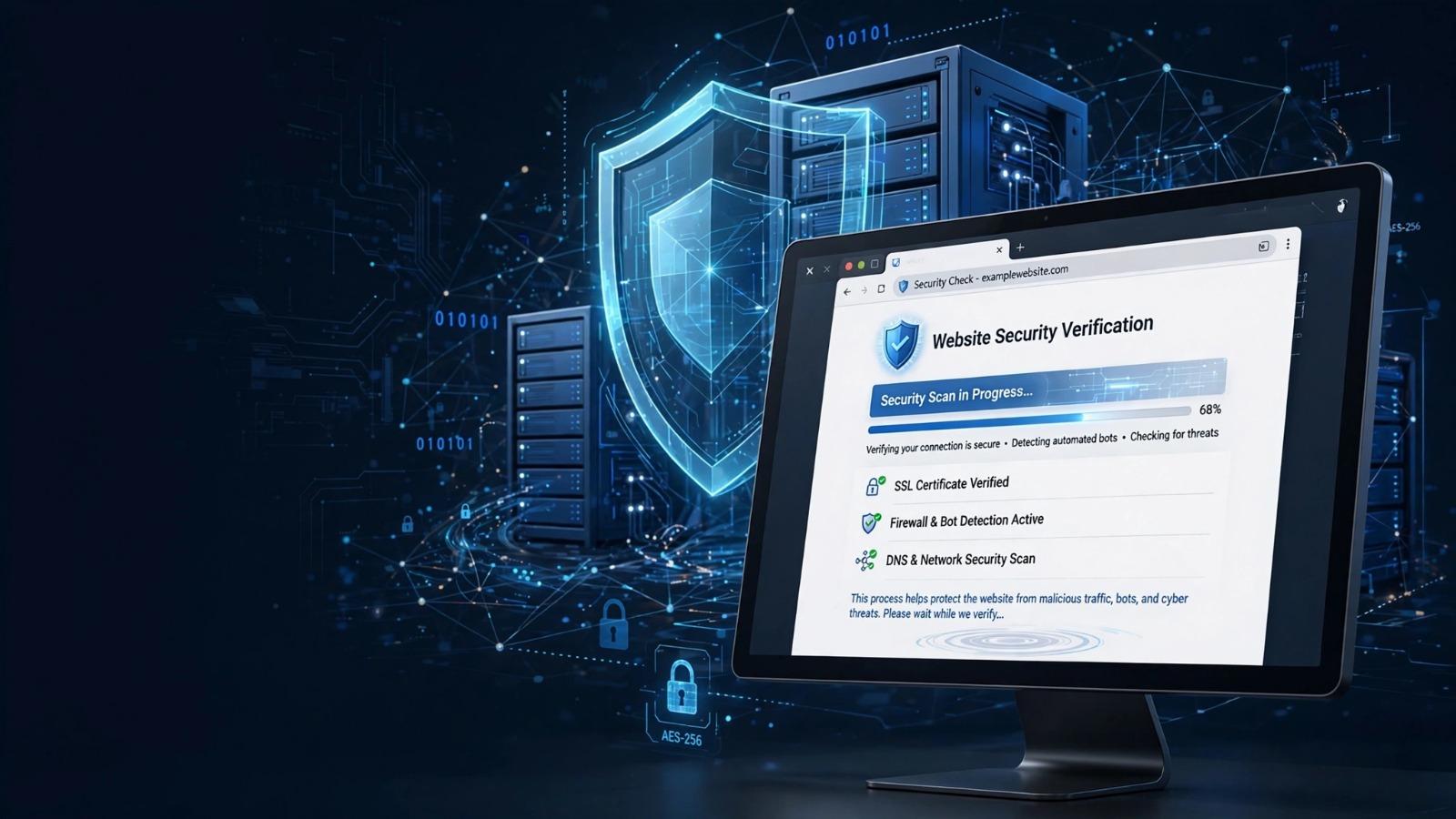
Have you ever opened a website and suddenly seen a message asking you to wait while it performs a security check? You may see phrases like “Checking your browser,” “Verifying your connection,” or “Completing security review before access.”
For many users, this moment creates confusion. They may wonder if something is wrong with their device, whether the website is safe, or why they cannot access the page immediately.
The reason behind these checks is usually simple: websites use security scans to protect themselves and their visitors from harmful traffic, automated bots, and online attacks.
What Is a Website Security Scan?
A website security scan is a process that checks whether a visitor appears to be a genuine user or a potentially harmful source.
When you visit a website, the site’s security system may analyze different signals before allowing full access. These signals can include your browser information, connection behavior, IP reputation, and other technical details.
The purpose is not usually to inspect your personal files or search through your computer. Instead, most website security checks focus on identifying suspicious online activity.
For example, if thousands of requests come from a single source within a short time, a website may treat that activity as potentially harmful and perform additional verification.
Why Do Certain Websites Do a Security Scan?
Websites perform security scans for several important reasons. Online platforms face constant threats, and automated protection helps them keep services available for real users.
1. To Block Malicious Bots
Not every visitor is a human user. Many websites receive traffic from automated programs called bots.
Some bots perform useful tasks, such as helping search engines index web pages. However, others may try to steal information, copy website content, create fake accounts, or overload servers.
Security scans help websites separate normal visitors from suspicious automated activity.
For example, an online store may use security checks to reduce fake account creation attempts or prevent automated programs from collecting product information.
2. To Prevent DDoS Attacks
A Distributed Denial of Service attack, commonly called a DDoS attack, happens when attackers send a large amount of traffic toward a website to make it slow or unavailable.
Security systems can identify unusual traffic patterns and filter harmful requests before they affect normal visitors.
This is especially important for websites that receive large numbers of daily visitors, including online services, financial platforms, and popular content websites.
3. To Protect User Accounts
Websites that handle sensitive information often use security checks to protect user accounts.
Banking websites, shopping platforms, and subscription services need to prevent unauthorized access attempts.
A security scan can help detect unusual login behavior, such as repeated failed attempts or suspicious connection activity.
4. To Reduce Spam and Fraud
Many websites deal with spam submissions, fake registrations, and fraudulent activity.
A security scan can help identify automated behavior before it creates problems.
For example, a website with a contact form may use security verification to reduce spam messages. A membership platform may use similar checks to prevent fake account creation.
How Do Website Security Checks Work?
Website security scans use different methods to evaluate whether a visitor is legitimate. The exact process depends on the website’s security setup.
Browser Verification
Some websites check basic browser information to confirm that the visitor is using a normal browser.
They may verify that the browser can complete standard tasks required for modern websites, such as running JavaScript or accepting cookies.
IP Address Analysis
Your IP address helps websites understand where your internet connection comes from.
Security systems may check whether an IP address has a history of suspicious activity, unusual traffic patterns, or automated requests.
A normal user may pass this check immediately, while a suspicious connection may require additional verification.
CAPTCHA Tests
Some websites use CAPTCHA challenges to confirm that a real person is accessing the page.
These tests are designed to be easier for humans than automated programs.
Examples include selecting specific images, completing simple tasks, or confirming a checkbox.
Behavior Analysis
Modern security systems can analyze visitor behavior patterns.
For example, a human user normally moves through a website naturally, while a bot may send hundreds of requests within seconds.
These differences help security systems identify unusual activity.
Are Website Security Scans Safe?
In most cases, website security scans are safe and are a normal part of online protection.
Large websites often use security systems to protect their infrastructure and visitors. Seeing a security verification page does not automatically mean the website is dangerous.
However, users should still pay attention to warning signs.
Be careful if a website:
- Requests unnecessary personal information
- Asks you to download unknown software
- Displays suspicious pop-ups
- Redirects you to unrelated pages
- Requests sensitive details without a clear reason
A legitimate security check usually only verifies your access and allows you to continue browsing.
Why Do Some Websites Require Security Scans While Others Do Not?
Not every website faces the same level of risk.
A small personal blog may receive limited traffic and fewer attacks, so it may not need advanced security verification.
Large websites often experience higher risks because they attract more visitors and become bigger targets for attackers.
Websites that commonly use security scans include:
- Online shopping stores
- Banking platforms
- Social networks
- Government websites
- Login-based services
- Websites with valuable data
The need for security protection depends on the website’s size, audience, and the type of information it manages.
Why Does a Security Check Appear Suddenly?
You may normally access a website without problems but suddenly see a security scan. Several situations can trigger this.
Using a VPN
VPN services can sometimes cause additional verification because many users may share the same IP address.
If other people have used that IP address for suspicious activity, security systems may request extra checks.
Using Public Wi-Fi
Public networks often connect many users through shared connections. This can make security systems more cautious.
Browser Extensions
Some browser extensions can affect how websites identify your browser.
Privacy tools, ad blockers, or security extensions may sometimes trigger additional verification.
Unusual Traffic Patterns
If a website receives a sudden increase in requests from a specific area or network, it may temporarily increase security checks.
What Should You Do If a Website Security Scan Keeps Repeating?
Sometimes a security verification page appears repeatedly and prevents access. You can try several solutions.
Check Your Internet Connection
Restarting your router or switching networks may help if your current connection has been flagged.
Disable VPN Temporarily
If you use a VPN, try accessing the website without it to see whether the verification issue disappears.
Enable Cookies and JavaScript
Many websites require cookies and JavaScript for security verification to work properly.
Check your browser settings and make sure these features are enabled.
Clear Browser Cache
Old browser data can sometimes create problems with website verification systems.
Clearing your cache and restarting your browser may solve the issue.
Try Another Browser
Testing the website in another browser can help identify whether the problem comes from your current browser settings.
Can a Website Security Scan Access Your Personal Files?
A common misunderstanding is that a website security scan searches through your computer.
Generally, normal website security checks do not access your personal documents, photos, or stored files.
They mainly evaluate information related to your connection and browser environment.
However, users should always be cautious about websites that ask for unusual permissions or downloads.
The Role of Website Security in the Future
As online threats continue to develop, websites will likely rely more on automated security systems.
Future security solutions may use advanced technologies to identify threats faster while reducing unnecessary verification steps for normal users.
The goal is to create a balance between strong protection and a smooth browsing experience.
Websites need security measures, but they also need to make sure genuine visitors can access their services easily.
Frequently Asked Questions
Why do certain websites do a security scan?
Websites perform security scans to identify suspicious traffic, block harmful bots, protect user accounts, and reduce online attacks.
Is a website security scan a virus?
No. A security scan from a legitimate website is usually a protection measure, not a virus.
Should I be worried about website verification pages?
Not usually. Verification pages are common security tools used by many websites. You should only be concerned if the page requests suspicious information or downloads.