
Etch vs Bricks Builder: Which Is Better in 2026?
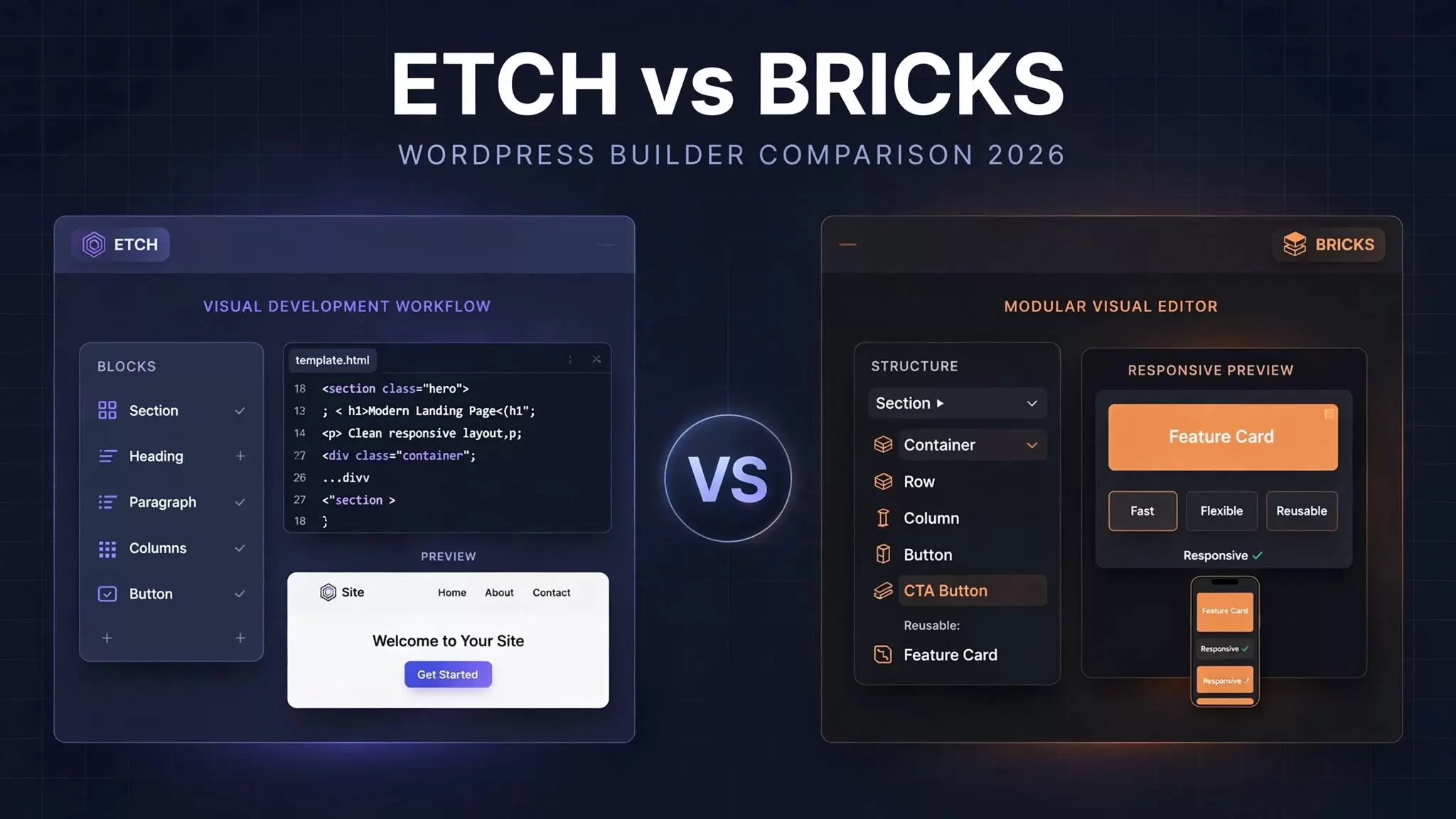
Choosing a WordPress visual builder is not just about how quickly you can drag elements onto a page. You also need to consider code quality, client editing, dynamic content, performance, and how easily you can maintain a website after launch.
That is where the etch vs bricks builder debate gets interesting. Both tools give developers visual control over WordPress websites, but they approach the building process differently.
Quick verdict: Etch deserves serious consideration if you want a code-oriented workflow with native WordPress block editing. Bricks is a strong choice if you prefer a mature theme-based builder with established dynamic content tools, reusable components, and a straightforward licensing structure. Your best option depends on how you build websites and who will manage them afterward.
In this comparison, we will examine their main differences, current pricing, practical use cases, and the trade-offs worth considering before choosing either tool.
Quick Comparison Table
| Feature | Etch | Bricks |
|---|---|---|
| Product type | Visual development environment built around a plugin and companion theme | WordPress theme with a visual builder |
| Code workflow | Visual building with code access and authoring | Visual building with custom HTML, CSS, JavaScript, and PHP extension options |
| Gutenberg | Automatically authors content as core WordPress blocks | Standard block-editor workflow, with experimental components-as-blocks support |
| Pricing | Paid plans starting at $99/year | Paid plans starting at $79/year |
| Learning curve | Steeper for developers unfamiliar with its workflow | Moderate, depending on experience |
| Dynamic content | Loops, templates, dynamic data, and custom fields | Query loops, templates, dynamic data, and custom fields |
| Reusable components | Supported | Supported, including properties and variants |
| Best suited to | Developers prioritizing code access and block-editor workflows | Developers and agencies wanting an established visual-building workflow |
Pricing and feature information checked against official product pages on October 12, 2026. Features can change, so verify the latest documentation before purchasing. Sources: Etch pricing and Bricks pricing.
What Is Etch?
Etch is a WordPress visual development environment that combines visual page building with direct access to code. Rather than treating the visual builder as a completely separate place to create and manage content, it aims to connect the development process more closely with WordPress itself.
One of its main differences is its approach to Gutenberg. Etch automatically authors content as core WordPress blocks, allowing developers to build visually while keeping content connected to the native block editor. This can make a difference when a client needs to update headings, images, or other content without working inside the visual development interface.
Etch also includes features for reusable components, dynamic data, loops, templates, and code authoring. Its goal is to provide a unified environment for building and managing websites rather than focusing only on page layout.
However, that flexibility comes with a learning curve. Developers who are used to conventional visual builders may need time to understand Etch’s workflow and decide how it fits into their existing projects.
You can read the product’s own explanation in the official guide, Is Etch a WordPress Page Builder?.
What Is Bricks Builder?
Bricks is a visual website builder packaged as a WordPress theme. It allows developers to design layouts, manage templates, style elements, and build dynamic websites through a visual interface.
Its architecture makes it especially useful for developers who want to control both the appearance and behavior of a website without building every component from scratch. Bricks includes layout elements, forms, navigation tools, a query loop builder, and features for reusable components and templates.
Dynamic content is another major strength. You can use query loops to display posts, terms, and other data, then style each result using the same layout. This is helpful for blogs, business directories, resource libraries, and websites with custom post types.
Bricks also supports custom code and developer extensions. Its official pricing page lists more than 110 elements, alongside features such as the Query Loop Builder, Popup Builder, and WooCommerce Builder.
The main trade-off is its theme-based architecture. If you are planning a new project around Bricks, you should consider that architecture as part of your long-term website strategy.
Explore its features in the official Bricks Academy.
Etch vs Bricks: Detailed Comparison
1. Code Quality and Output
Code output matters because the work does not end when a website looks correct. You may need to debug a layout, adjust responsive behavior, integrate custom functionality, or maintain the site years later.
Etch emphasizes code access and authoring within its visual development workflow. This approach may appeal to developers who want to inspect and work with the code rather than depend entirely on builder-specific controls.
Bricks also provides considerable developer flexibility. It offers custom HTML and code elements, styling controls, and ways to extend functionality through WordPress hooks and custom code.
Neither product should automatically receive the label of producing better code in every situation. Output depends on the layout, the implementation, the styles applied, and the developer’s choices.
For a meaningful comparison, build the same landing page in both tools. Inspect the rendered HTML, DOM nesting, CSS, JavaScript, and loaded assets. Compare the number of elements and transferred bytes only when the test conditions are equivalent.
We have not conducted a controlled, side-by-side build for this article, so we cannot responsibly declare a winner based on code size or output quality alone.
2. Gutenberg and Client Editing
This is one of the most important differences between the two products.
Etch automatically authors content as core WordPress blocks. That can help agencies separate the development process from everyday content editing. A developer can create a structured page, while a client may be able to manage supported content through Gutenberg.
Consider a small business website. The owner needs to update a service description or replace an image before a promotion. A native block-editor workflow can make that task more approachable than asking the owner to navigate a complete visual builder.
Bricks supports a different approach. Developers typically build pages and templates in Bricks while clients manage standard post content through Gutenberg. Bricks also offers an experimental components-as-blocks feature that can make selected reusable components available in the block editor. Its documentation identifies this feature as experimental, so check its current status and limitations before relying on it for production work.
The important distinction is that Etch’s automatic block-authoring approach and Bricks’ component-based integration are not identical.
If client independence is a major requirement, test the exact editing tasks your clients will perform. Check whether they can change content without damaging layouts or needing developer assistance.
3. Ease of Use and Learning Curve
The easier tool is not necessarily the one with the simplest interface. It is the one that fits your existing skills and makes your regular work manageable.
Bricks will feel familiar to developers who already understand visual builders, containers, responsive styling, templates, and dynamic data. Its interface gives you a direct way to assemble layouts and adjust their behavior.
Etch may take more time to understand if you are new to its development-oriented approach. You need to learn how its visual workflow connects to code and native WordPress blocks.
That learning investment may be worthwhile if you frequently inspect code or build websites that require flexible editing workflows. However, beginners should not assume that a product with more developer control will automatically make their first website easier.
If you are new to visual development, pair your product choice with a structured learning plan. Our planned beginner tutorial will cover the fundamentals in more detail.
4. Dynamic Content, Loops, and Components
Both tools support dynamic websites, so neither should be dismissed as a simple landing-page builder.
In Bricks, you can enable a query loop on a supported layout element, configure the query, and use dynamic data to populate the repeated design. For example, a real estate directory could display each property’s title, featured image, location, and price using one reusable card layout.
Etch also supports loops, dynamic data, templates, and reusable components. Its approach is designed to keep these capabilities within the same development environment.
The practical differences come down to implementation, controls, and how each system fits into your project.
Before choosing, test a representative task such as creating a custom post type, displaying its entries in a grid, and building a single-item template. Check how easily you can modify the query, handle empty results, and reuse the layout.
Also consider the wider WordPress ecosystem. Your custom fields, plugins, and existing code may influence the amount of work required more than the builder’s feature list alone.
5. Performance and Page Speed
A visual builder can influence page performance, but the builder alone does not determine how fast a website loads.
Your theme structure, images, fonts, scripts, hosting, caching, plugins, and page design all affect the result. Even two websites built with the same tool can perform very differently.
Etch’s code-oriented approach may appeal to developers who want to inspect what their pages produce. Bricks also provides performance-conscious development features and gives developers control over layouts and assets.
However, claims that one is always faster than the other need evidence.
For a fair test, build equivalent pages with the same images, fonts, content, hosting environment, and caching settings. Run multiple tests and record Core Web Vitals, Lighthouse results, transferred bytes, and request counts.
Do not treat one PageSpeed score as proof that a builder is universally faster. If you conduct your own experiment, publish the setup, product versions, and results so readers can understand the findings.
Until such a test is completed, performance should remain a factor to investigate rather than a reason to declare either product the winner.
6. CSS Framework Support and Automatic.css
Your preferred styling system can influence which builder feels more productive.
Automatic.css provides a framework for managing design tokens, spacing, typography, colors, and reusable styling patterns. Developers who already use it should check how their chosen builder integrates with the framework and whether the workflow requires additional configuration.
Etch is closely associated with the Automatic.css ecosystem, which may make it attractive to developers who want to use related tools together. Still, confirm the current integration behavior in the official documentation before describing it as completely configuration-free.
Bricks offers its own styling tools, including global classes, variables, and theme styles. It can also be used with external CSS frameworks, although the setup and workflow may differ.
The right choice depends on whether you want a more integrated toolchain or prefer to configure your own styling system.
For detailed setup instructions, see the official Automatic.css website.
7. Pricing and License Value
Price matters, particularly when you build websites for several clients. The cheapest entry-level plan is not necessarily the best value if you need more site activations or specific features.
The following prices are listed on the official product pages as of October 12, 2026.
| License | Etch | Bricks |
|---|---|---|
| Entry-level annual plan | $99 for 3 production sites | $79 for 1 website |
| Mid-tier annual plan | $199 for 25 production sites | $149 for 3 websites |
| Agency annual plan | $299 for 75 production sites | $249 for unlimited websites |
| Lifetime option | No lifetime plan listed | $599 one-time |
Etch offers unlimited development installs across its listed plans. Bricks also excludes local and staging sites from its license limit. Check the full terms before comparing site allowances directly.
Bricks has a lower entry price for a single production website and offers a lifetime license. Etch may offer better value for a freelancer or agency that needs its particular workflow across multiple websites.
Remember that advertised prices do not tell the whole story. Consider renewal costs, applicable taxes, support, required add-ons, and the time you will spend learning the product.
You should also verify feature availability before purchasing. Etch’s pricing page marks some integrations and version-control functionality as planned rather than currently available.
Official sources: Etch pricing and Bricks pricing.
8. Ecosystem and Community
A builder’s ecosystem affects how quickly you can solve problems, learn advanced techniques, and find integrations for client projects.
Bricks has an established documentation library, community resources, tutorials, and third-party material. Developers who value a familiar workflow and access to existing learning resources may find that maturity reassuring.
Etch has its own documentation, educational resources, and community. However, its newer product ecosystem may offer fewer established resources for some workflows than a more mature alternative.
That does not mean Etch is unsuitable for production. It means you should evaluate the support and integration requirements of your own projects rather than assuming every feature will have the same depth of third-party coverage.
If you manage client websites, consider how quickly your team can troubleshoot issues and how easily another developer could take over the project.
Who Should Choose Etch?
Etch is worth considering if:
- You are a developer who values code access. You want to combine visual development with direct access to code.
- You build websites for clients who need straightforward editing. Its native block-authoring approach may fit projects where Gutenberg plays an important role.
- You manage multiple websites. The available production-site allowances may suit freelancers and agencies, depending on their feature requirements.
- You want an integrated development workflow. You prefer to keep visual building, reusable components, templates, and dynamic content within one environment.
- You are willing to learn a newer tool. You can invest time in understanding its architecture and checking whether it supports your production requirements.
Etch is particularly interesting when the development workflow and the client’s editing experience matter as much as the final design.
Who Should Choose Bricks?
Bricks may be the better fit if:
- You want an established visual-building workflow. You prefer a theme-based tool with documented layout, styling, and template features.
- You build dynamic WordPress websites. Query loops, custom data, and reusable components are central to your projects.
- You value a mature learning ecosystem. You want access to a broad range of documentation, tutorials, and community resources.
- You manage an existing Bricks portfolio. Keeping a familiar workflow may be more efficient than rebuilding your processes around another tool.
- You want a lifetime license. Bricks offers a one-time license option, which may suit developers who prefer to avoid recurring license payments.
For agencies with established Bricks projects, switching builders should solve a real business problem. A new tool is not automatically an improvement if it adds migration work without delivering enough practical value.
Final Verdict: Etch or Bricks?
So, etch or bricks which is better?
For developers who prioritize native WordPress block authoring, direct code access, and a development-focused workflow, Etch is the more compelling option to investigate. Its approach may be especially useful for agencies that want to give clients a simpler way to manage content.
For developers who prefer a mature visual-building environment, established dynamic-content tools, and a lifetime licensing option, Bricks remains a strong choice.
Our recommendation is to start with the workflow you need rather than the feature count. If you are building a new project and client editing is central to your process, test Etch first. If your existing projects depend on Bricks or you value its established ecosystem, staying with Bricks may be the more practical decision.
Before committing, build the same small page in both tools and compare the editing experience, code output, and maintenance process yourself.
Ready to explore the first option? Start with the official Etch website and review its documentation before purchasing.
Frequently Asked Questions
Is Etch better than Bricks?
Neither tool is better for every WordPress project. Etch may suit developers who prioritize native block authoring and a code-oriented workflow. Bricks may suit those who prefer a mature visual builder with established dynamic-content features. Test your main use cases before choosing.
Can I migrate from Bricks to Etch?
Do not assume that a Bricks website can be converted automatically into an equivalent Etch project. Layouts, templates, components, dynamic queries, and custom code may require manual rebuilding or adaptation. Back up your website and test the migration on a staging copy. Confirm current official migration guidance before planning a production switch.
Does Etch work with Automatic.css?
Etch is associated with the Automatic.css ecosystem, making the combination worth investigating if you already use that framework. However, confirm the current integration instructions and supported features in official documentation. Avoid assuming that every configuration is automatic or that all framework functionality behaves identically across builder versions.
Is Etch good for beginners?
Etch can be a good option for beginners who want to learn a more development-oriented approach to WordPress. However, its workflow may take time to understand, especially if you have only used conventional drag-and-drop builders. Beginners should review the documentation and build a small test website before committing.
Does Etch have a free version?
Etch's published pricing page lists paid plans, beginning at $99 per year for three production websites. Do not confuse a demonstration, trial, or development installation with a free production license. Check the official pricing page for the latest access terms before purchasing.